
Blog Comments
Never lose track of a conversation. Track your comments and replies across WordPress blogs by Gravatar.
Never lose track of a conversation. Track your comments and replies across WordPress blogs by Gravatar.
Comments you posted and replies to them — identified by your Gravatar — in a single, filterable timeline.
Follow multiple WordPress blogs you read. Comments are fetched on-device, no account needed.
All data stored locally on your device. No cloud, no tracking. Export and import anytime.
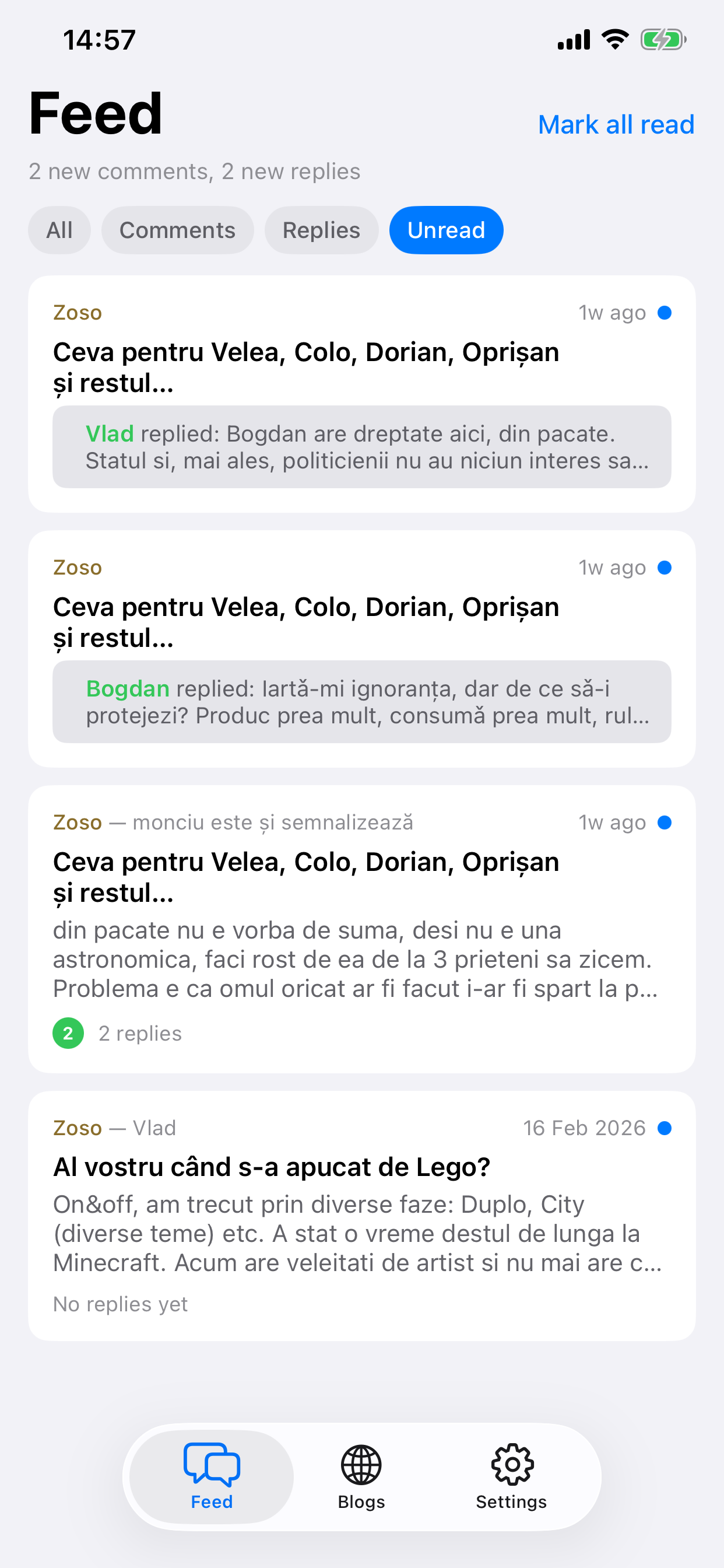
Feed
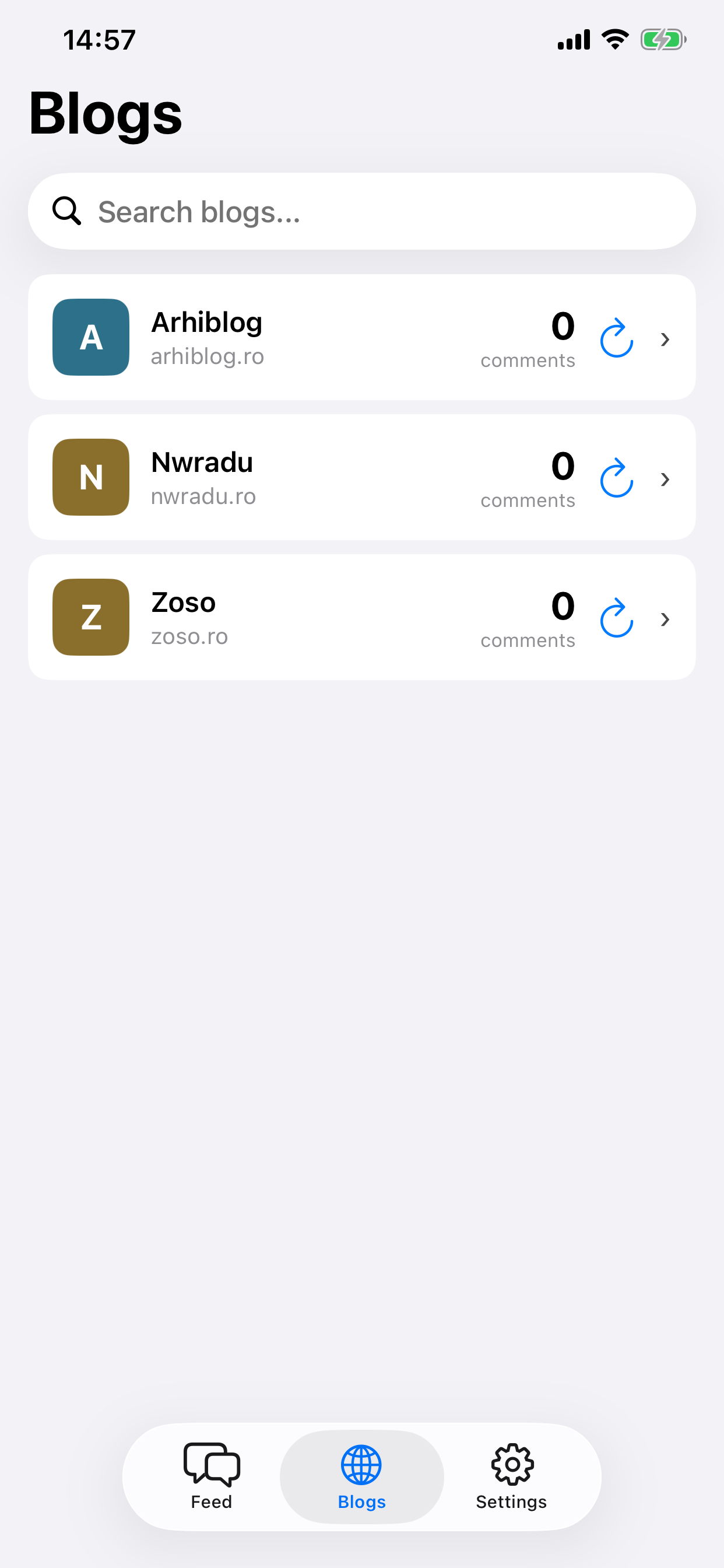
Blogs
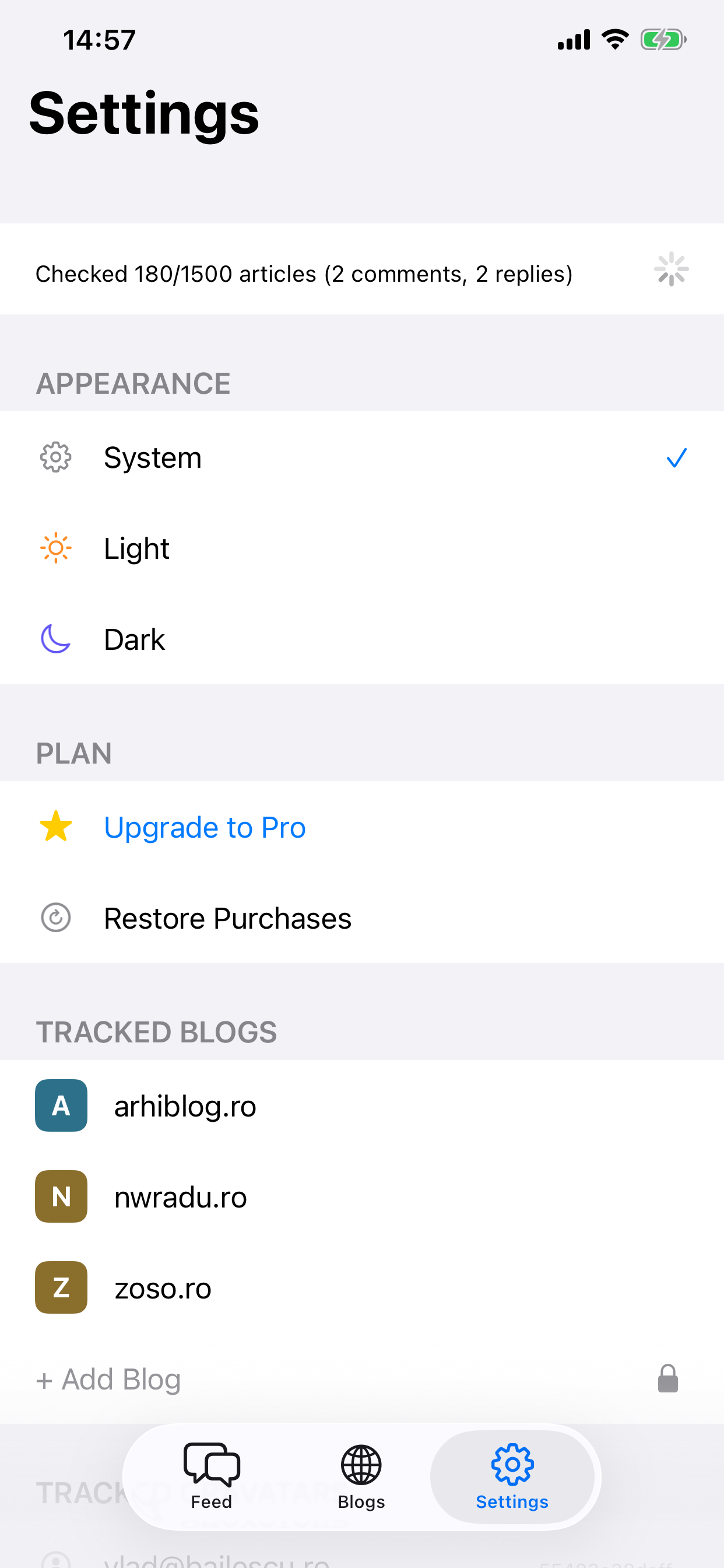
Settings
The app matches your Gravatar hash against comments on the WordPress blogs you add. All fetching and matching happens on your device.
Gravatar is an avatar linked to your email, used by most WordPress blogs to display commenter profile pictures. You can create one at gravatar.com.
It works with most WordPress blogs that have public comments. Some blogs may use custom comment systems that aren't compatible.
The free version supports up to 3 blogs and 3 Gravatars. Pro raises both limits to 10 and unlocks data export/import.
No. All data is stored locally on your device. Nothing is sent to any server. You can export and import your data at any time.
Have a question or found a bug?
blogcomments+support@bailescu.ro